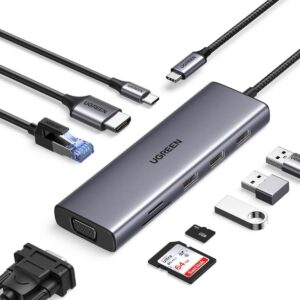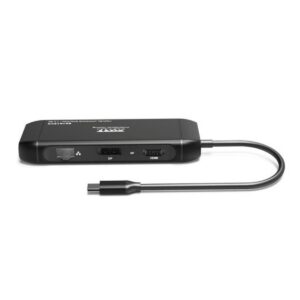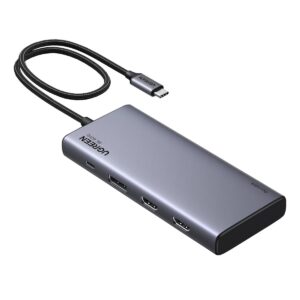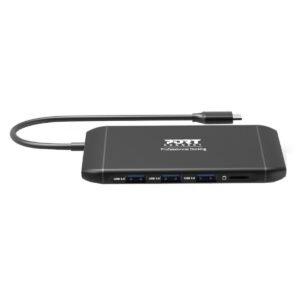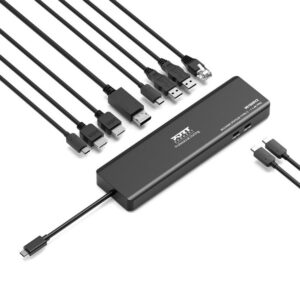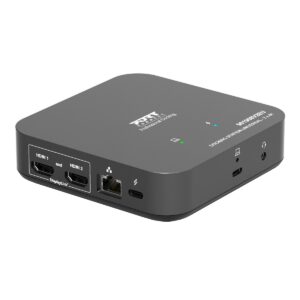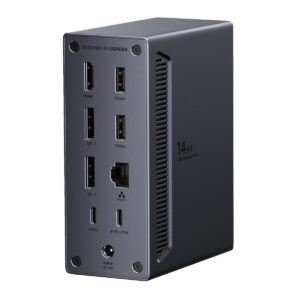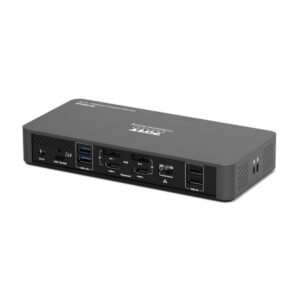
A docking station is a device that connects a laptop or portable device to multiple peripherals through a single hub, expanding connectivity and simplifying workspace setup.
What a Docking Station Does
A docking station acts as a central hub for connecting various computer peripherals such as monitors, keyboards, mice, external storage devices, printers, speakers, and Ethernet cables. By plugging your laptop into a docking station, you can instantly access multiple devices without repeatedly connecting and disconnecting individual cables, which saves time and reduces wear on your laptop’s ports.
How Docking Stations Work
Docking stations typically connect to a laptop via a single cable, often using USB-C, Thunderbolt, or proprietary connectors. Once connected, the docking station provides additional ports for:
Video output: HDMI, DisplayPort, or VGA for one or multiple external monitors
USB ports: USB-A and USB-C for keyboards, mice, and external drives
Audio jacks: Headphones or speakers
Ethernet: Wired internet connection
Power delivery: Charging the laptop and connected devices simultaneously.
Internally, docking stations contain controller chips that manage data and power flow between the laptop and peripherals, effectively turning a portable device into a full desktop-class workstation.
Benefits of Using a Docking Station
Convenience: Connect or disconnect all peripherals with a single cable.
Expanded connectivity: Access multiple monitors, storage devices, and other accessories even if the laptop has limited ports.
Increased productivity: Quickly switch between workstations without reconfiguring cables.
Cable management: Reduces clutter and keeps your workspace organized.
Types of Docking Stations
Laptop docking stations: Designed for laptops, providing extra ports and power delivery.
Desktop docking stations: Central hubs for desktops to manage multiple peripherals.
Portable docking stations: Compact and travel-friendly, offering essential ports on the go.
USB-C and Thunderbolt docks: High-speed data transfer, multiple monitor support, and power delivery for modern laptops.
Practical Use Cases
Docking stations are particularly useful for:
Professionals needing dual or triple monitor setups
Remote or hybrid workers seeking a clean, organized desk
Users requiring fast access to external drives, printers, and wired internet
Anyone wanting to convert a portable laptop into a full desktop experience.
In summary, a docking station is an essential peripheral for expanding a laptop’s functionality, streamlining connectivity, and creating a more efficient and organized workspace.
Docking Stations
Showing all 24 resultsSorted by price: low to high
- Sale!

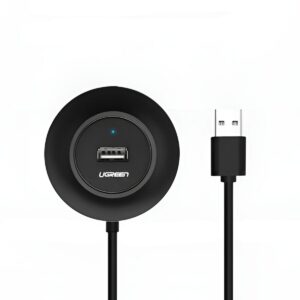
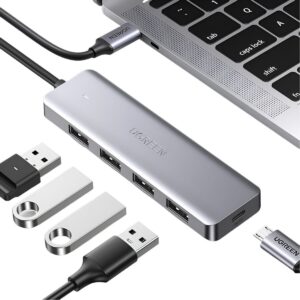
UGREEN 4-IN 1 USB 2.0 Hub (20777) – Black
Original price was: R171,35.R155,77Current price is: R155,77. Add to basket - Sale!
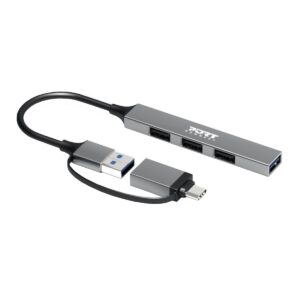
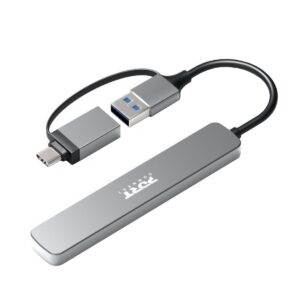
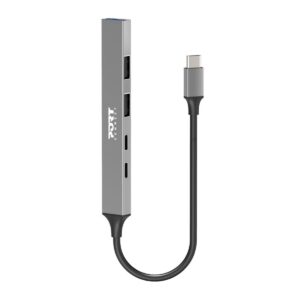
Port Connect USB Type-C to 4-port USB-A 3.0/2.0 Hub
Original price was: R194,35.R176,69Current price is: R176,69. Add to basket - Sale!
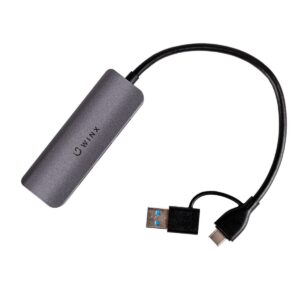
WINX CONNECT Simple USB/Type-C Hub
Original price was: R217,35.R197,59Current price is: R197,59. Add to basket - Sale!
UGREEN USB 3.0 Dual Slot Card Reader for SD/TF Cards – 5Gbps Data Transfer
Original price was: R240,35.R218,50Current price is: R218,50. Add to basket - Sale!
Port Connect USB Type-C to 4-port USB-A 3.0 Hub
Original price was: R251,85.R228,95Current price is: R228,95. Add to basket - Sale!
Port USB Type-C Hub 4 x USB + 1 x Charging Port
Original price was: R286,35.R260,31Current price is: R260,31. Add to basket - Sale!
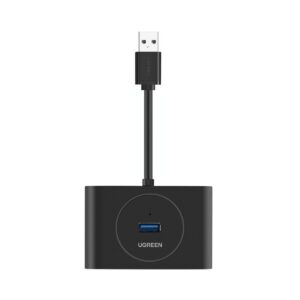
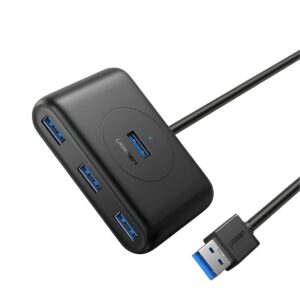
UGREEN 4-Port USB 3.0 Hub 5Gbps Data Transfer – 0.5m
Original price was: R297,85.R270,77Current price is: R270,77. Add to basket - Sale!
UGREEN 4-Port USB 3.0 Hub with Micro USB 5Gbps Data Transfer – 1m
Original price was: R309,35.R281,23Current price is: R281,23. Add to basket - Sale!
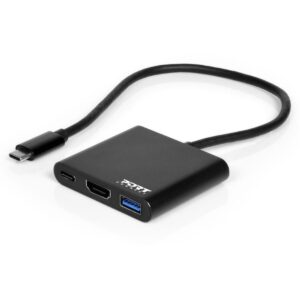
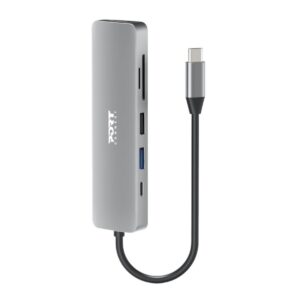
Port USB Type-C to 1 x HDMI|1 x USB3.0|1 x Type-C 60W PD Dock – Black
Original price was: R343,85.R312,59Current price is: R312,59. Add to basket - Sale!
UGREEN 4-in-1 Type-C Hub USB 3.0 Type-C
Original price was: R343,85.R312,59Current price is: R312,59. Add to basket - Sale!
WINX CONNECT Essential 5-in-1 Type-C Hub
Original price was: R343,85.R312,59Current price is: R312,59. Add to basket - Sale!
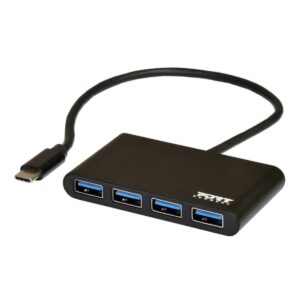
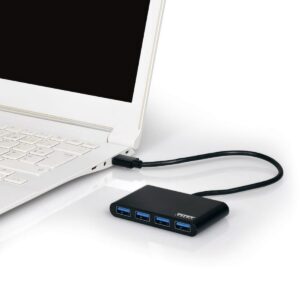
Port USB Type-C to 4 x USB3.0 5Gbps 30cm 4 Port Hub – Black
Original price was: R378,35.R343,95Current price is: R343,95. Add to basket - Sale!
Port USB3.0 to 4 x USB3.0 5Gbps 4 Port Hub – Black
Original price was: R378,35.R343,95Current price is: R343,95. Add to basket - Sale!
Port Connect 5-in-1 USB Type-C 4K Docking Station
Original price was: R424,35.R385,77Current price is: R385,77. Add to basket - Sale!
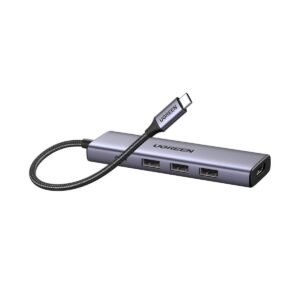
UGREEN Revodok 5-in-1 Type-C Hub 4K HDMI Type-C USB3.0
Original price was: R516,35.R469,41Current price is: R469,41. Add to basket - Sale!
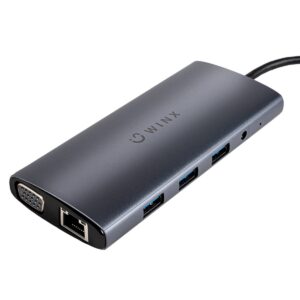
WINX CONNECT MAX 11-in-1 Type-C Hub
Original price was: R746,35.R678,50Current price is: R678,50. Add to basket - Sale!
UGREEN 9-in-1 Type-C Hub HDMI VGA LAN SD/TF 100W PD USB3.0
Original price was: R1 298,35.R1 180,31Current price is: R1 180,31. Add to basket - Sale!
PORT Mobile docking station 1 X 4K USB-C 7 devices 100W
Original price was: R1 378,85.R1 253,50Current price is: R1 253,50. Add to basket - Sale!
UGREEN 8 in 1 USB Type-C Hub
Original price was: R1 390,35.R1 263,95Current price is: R1 263,95. Add to basket - Sale!
Port USB Type-C 4 x USB3.1|1 x Aux|Micro+SD Card Reader|1 x RJ45|1 x HDMI|1 x VGA|1 x Type-C PD Dock 100W – Black
Original price was: R1 493,85.R1 358,05Current price is: R1 358,05. Add to basket - Sale!
PORT Mobile docking station 1 X 4K USB-C 9 devices 100W
Original price was: R2 068,85.R1 880,77Current price is: R1 880,77. Add to basket - Sale!
Port Connect Multi-port USB Type-C 2x4K Office Docking Station
Original price was: R4 311,35.R3 919,41Current price is: R3 919,41. Add to basket - Sale!
UGreen 14-in-1 USB Type-C TO USB/2x HDMI/DP/RJ45 Docking Station
Original price was: R4 713,85.R4 285,31Current price is: R4 285,31. Add to basket - Sale!
PORT2 x 4K USB-C desktop docking station 11 peripherals 96W
Original price was: R6 289,35.R5 717,59Current price is: R5 717,59. Add to basket